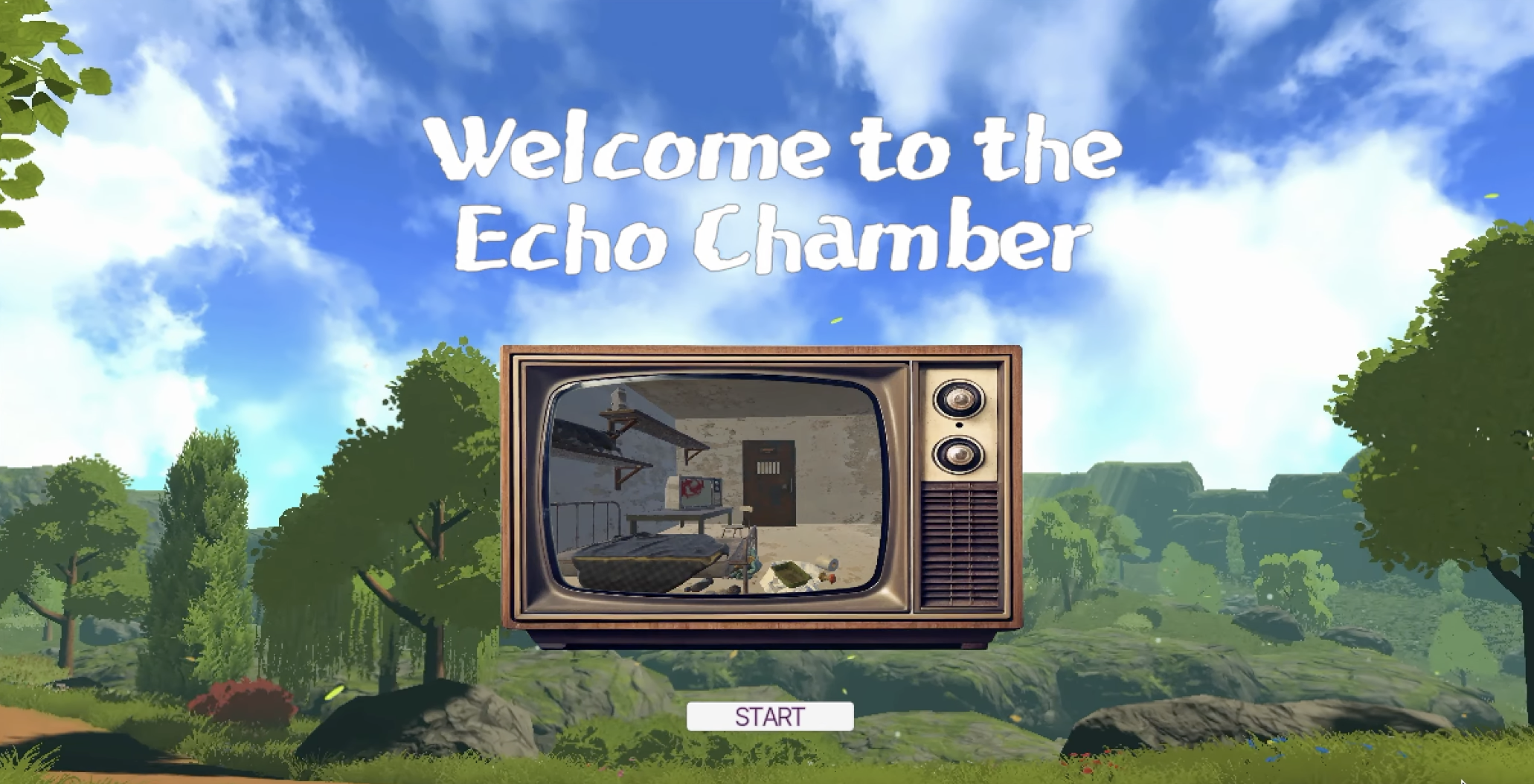
Echo Chamber
Progress photos of the project and debug log
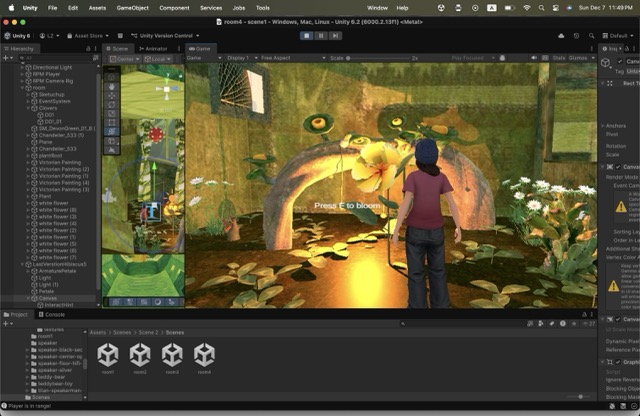
Debug log
- To prevent objects from clipping through each other, add a Mesh Collider to each stationary object
- To enable pillow collision (Rigidbody)
- Unable to load character; refer to tutorial to learn import method
- Character appears too small; consulted ChatGPT and added avatarScale to ThirdPersonLoader, enabling adjustment in Inspector
- Previously only adjusted Character Controller scale. Later realized this controls the collision capsule, not the model itself, causing player to float.
- Camera became stationary. Discovered duplicate Assembly Definition files (.asmdef) with identical names caused conflict. Deleting duplicates resolved.
- Noticed Step Offset must be less than or equal to <Height> + <Radius> * 2. The character model scaled up (Avatar Scale = 5) but I forgot to scale the CharacterController's Height and Radius proportionally.
- Later, I just reset the scale to 1:1:1 and avoided further adjustments 🥴
- I hated the default idle animation, so I downloaded a new feminine idle from the official library. But when I tried replacing the original idle, it broke the entire animation system and the character froze.
- Importing the new animation required creating a new Animation Collector in the FBX and adjusting settings per the tutorial. The Animation Collector includes animation clips.
- I added the idle animation to the Blend Tree and double-clicked the Blend Tree to replace the idle animation clip.
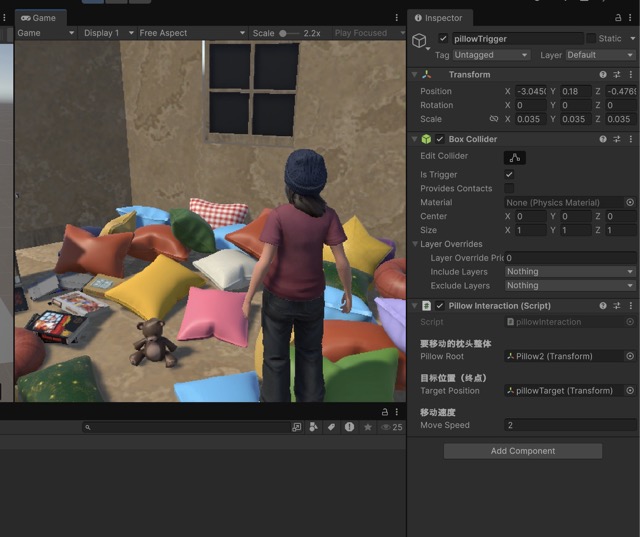
- Learning to interact with pillows in the scene: First, I asked ChatGPT to write a script moving a pillow, but it didn't meet my requirement to clear a path. After repeated testing,
- Later improved by splitting the pillows into two groups: left and right. Asked GPT to write an interaction script. In the pillow trigger, selected pillowRoot (PillowLeft+Right) and the target destination (left/right_Target), then added a rigid body.
- Repeated testing yielded no response. Later discovered the pillow Trigger's box collider area was too small; scaling it up resolved the issue.
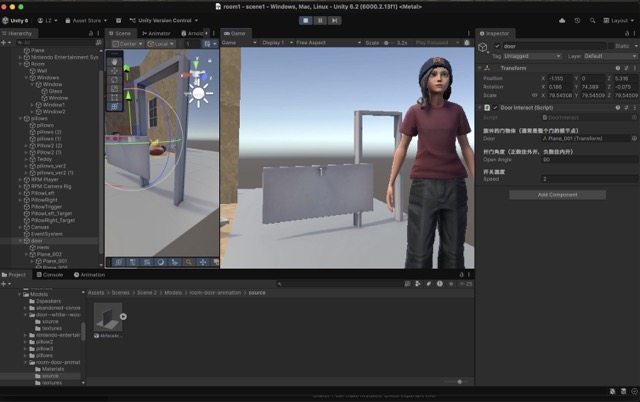
- Added a door. Animation disappeared during import, so manually added an animation segment. GPT-written script had incorrect rotation direction (rotating around the Y-axis made it look like a Ferris wheel). Modified to rotate 180 degrees around the Z-axis.
- Changed the pivot point for the door in Pro Builder.
- Added door Teleport and doorTrigger. (box collider)
- File > Build Profiles > Scene List > Add Scenes
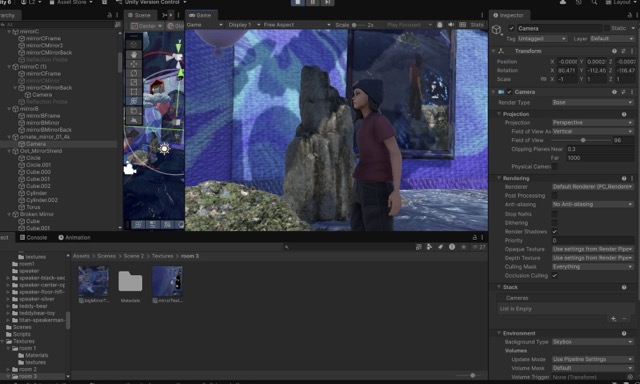
- Added mirror reflection: `camera + `renderTexture`
- Added flower blooming animation (cannot directly link entry to bloom animation, as it triggers auto-play). Instead: `entry > new state bloom` on one side without linking anything
Leave a comment
Log in with itch.io to leave a comment.